
The journal
How to fix 412 Precondition Failed
A practical fix for HTTP 412: confirm the conditional header that failed, fetch the current ETag or Last-Modified, then choose a safe retry or intentional override. Includes 409 vs 412 guidance and a concrete curl example.
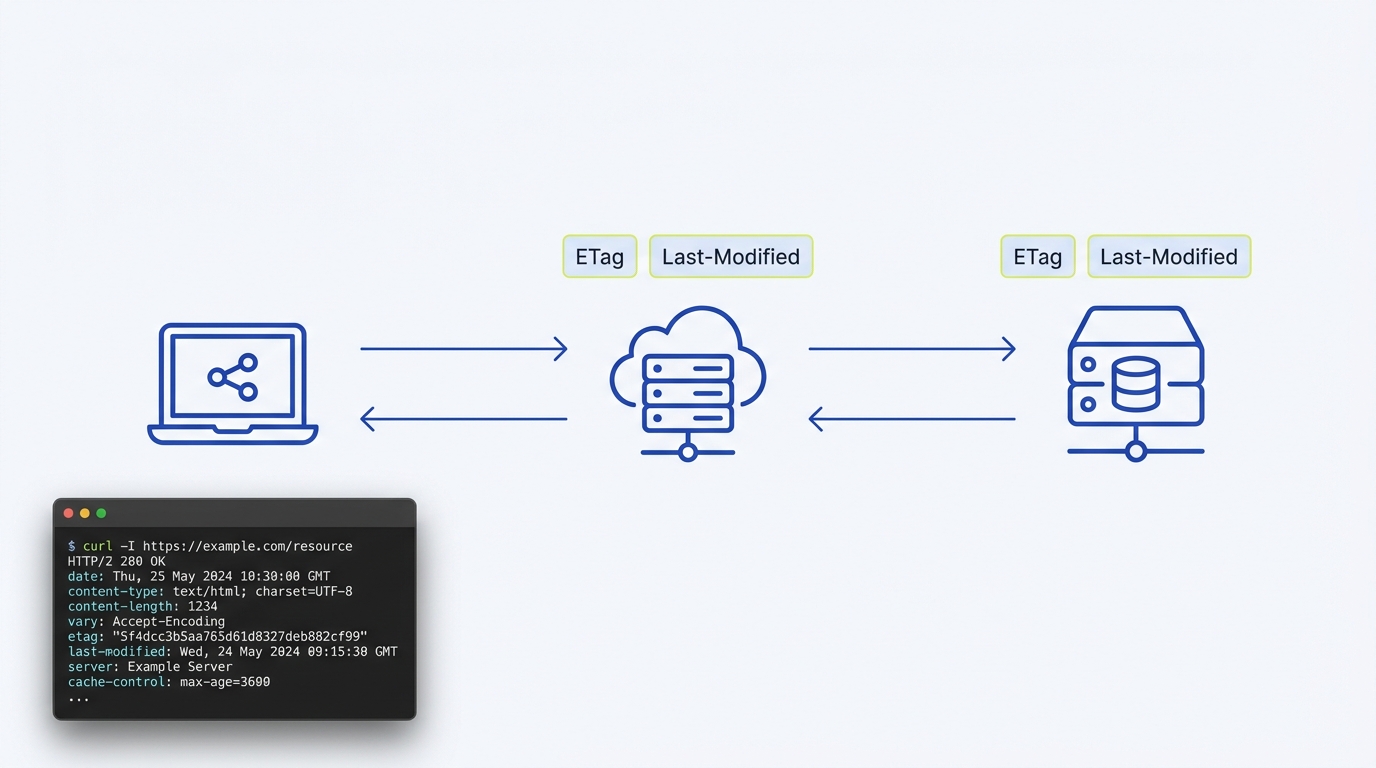
Short answer: a 412 Precondition Failed means your request included a condition (like If-Match or If-Unmodified-Since) that did not hold true for the current resource state. To fix it, read the resource’s latest validator (ETag or Last-Modified) and compare the latest representation with the edit you intended. Merge or resolve conflicting changes before retrying with the new validator. Do not simply replace an ETag and resend a stale body, or remove the precondition to hide the conflict. See the definition and examples on MDN: 412 Precondition Failed, and note that some CDNs can generate 412 at the edge Cloudflare Support: Error 412.
What 412 means, practically
Servers use 412 for failed conditional requests, commonly when a modifying method (such as PUT or POST) includes If-Match or If-Unmodified-Since and the server detects the resource has changed since your copy. This prevents overwriting newer changes and is expected behavior for safe concurrency control MDN: 412 Precondition Failed. Cloudflare documents that it may serve 412 responses for conditional requests at the edge Cloudflare Support: Error 412.
Should it be 412 or 409?
Use 412 when a specific HTTP precondition header fails (for example, If-Match or If-Unmodified-Since evaluated to false). If there is a broader business-state conflict without a failed HTTP validator, consider 409 instead; see our explainer on HTTP 409 Conflict. MDN anchors 412 to failed preconditions used for concurrency protection MDN: 412 Precondition Failed.
Fix it now: a minimal, safe process
1) Confirm the request was conditional
Inspect the failing request for headers like If-Match, If-None-Match, If-Unmodified-Since or If-Modified-Since. If none are present, a 412 may be coming from middleware or a CDN edge rule. In the typical modifying-write case, If-Match or If-Unmodified-Since will be involved MDN: 412 Precondition Failed.
2) Fetch the current validators
Send a safe GET or HEAD to the same resource and note the ETag and/or Last-Modified values returned. Compare these to what your client sent. If they differ, your validator is stale. CDNs like Cloudflare may evaluate conditional headers themselves, so also consider whether an edge rule is involved Cloudflare Support: Error 412. Need help viewing headers? See how to check HTTP response headers in Chrome.
3) Choose a fix
- Preserve concurrency: refresh your validator (use the latest ETag or timestamp) and retry with the same conditional header. This is the standard safe recovery path MDN: 412 Precondition Failed.
- Accept overwrite risk: remove the conditional header and retry only if the operation does not require atomicity. This trades safety for simplicity, and can overwrite newer data Cloudflare Support: Error 412.
Worked example: retry a PUT with ETag
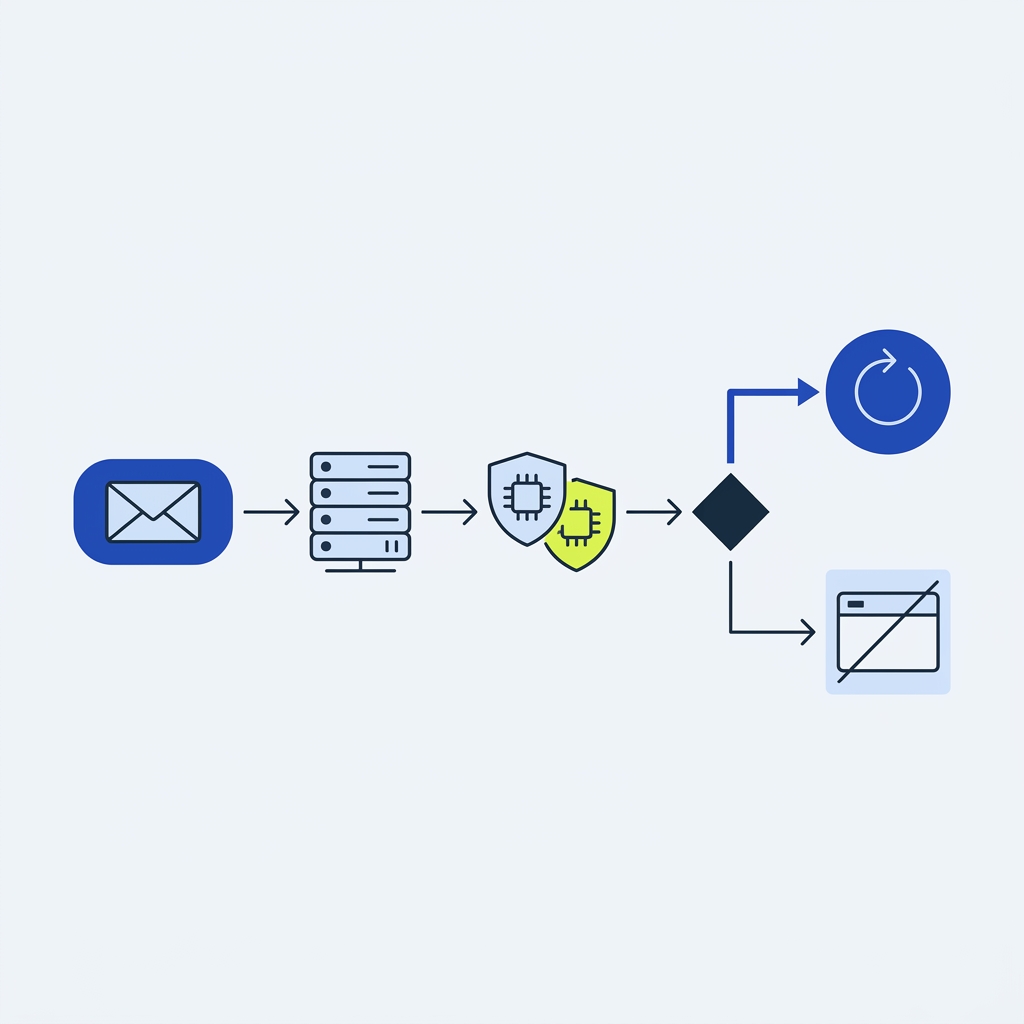
Scenario: your PUT includes If-Match with a stale ETag and gets 412.
Step A: read the latest ETag
curl -i https://api.example.test/documents/123
Response (excerpt):
HTTP/1.1 200 OK
ETag: "33a64df551425fcc55e4d42a148795d9f25f89d4"
Last-Modified: Tue, 27 Oct 2026 20:00:00 GMT
ETag use for concurrency and 412 behavior is described on MDN: 412 Precondition Failed.
Step B: observe the 412
curl -i -X PUT \
  -H 'Content-Type: application/json' \
  -H 'If-Match: "stale-etag"' \
  -d '{"title":"New Title"}' \
  https://api.example.test/documents/123
HTTP/1.1 412 Precondition Failed
Content-Type: application/json

{"error":"Precondition failed: ETag does not match"}
Step C: retry with the fresh validator
curl -i -X PUT \
  -H 'Content-Type: application/json' \
  -H 'If-Match: "33a64df551425fcc55e4d42a148795d9f25f89d4"' \
  -d '{"title":"New Title"}' \
  https://api.example.test/documents/123
HTTP/1.1 200 OK
Edge/CDN nuances to check
- CDN evaluation: Cloudflare may serve 412 for conditional requests; review your validators and any edge rules Cloudflare Support: Error 412.
- Compare layers: If your origin appears correct but you still get 412, compare edge vs origin responses and adjust edge behavior as needed Cloudflare Support: Error 412.
Fix a 412 without losing updates
FAQs
Which headers typically trigger a 412?
Commonly If-Match and If-Unmodified-Since for modifying requests; the server returns 412 when those preconditions evaluate to false MDN: 412 Precondition Failed.
Should clients auto-retry a 412?
Only after refreshing validators. A blind retry will just repeat the 412. Fetch the latest ETag or Last-Modified, then retry with the same precondition to preserve concurrency MDN: 412 Precondition Failed.
For broader conflict handling beyond failed HTTP preconditions, see HTTP 409 Conflict.
