
The journal
Why browsers use CORS, and what a preflight request does
A practical explanation of why browsers use CORS and how a CORS preflight request works, with safe configuration tips and a quick checklist.
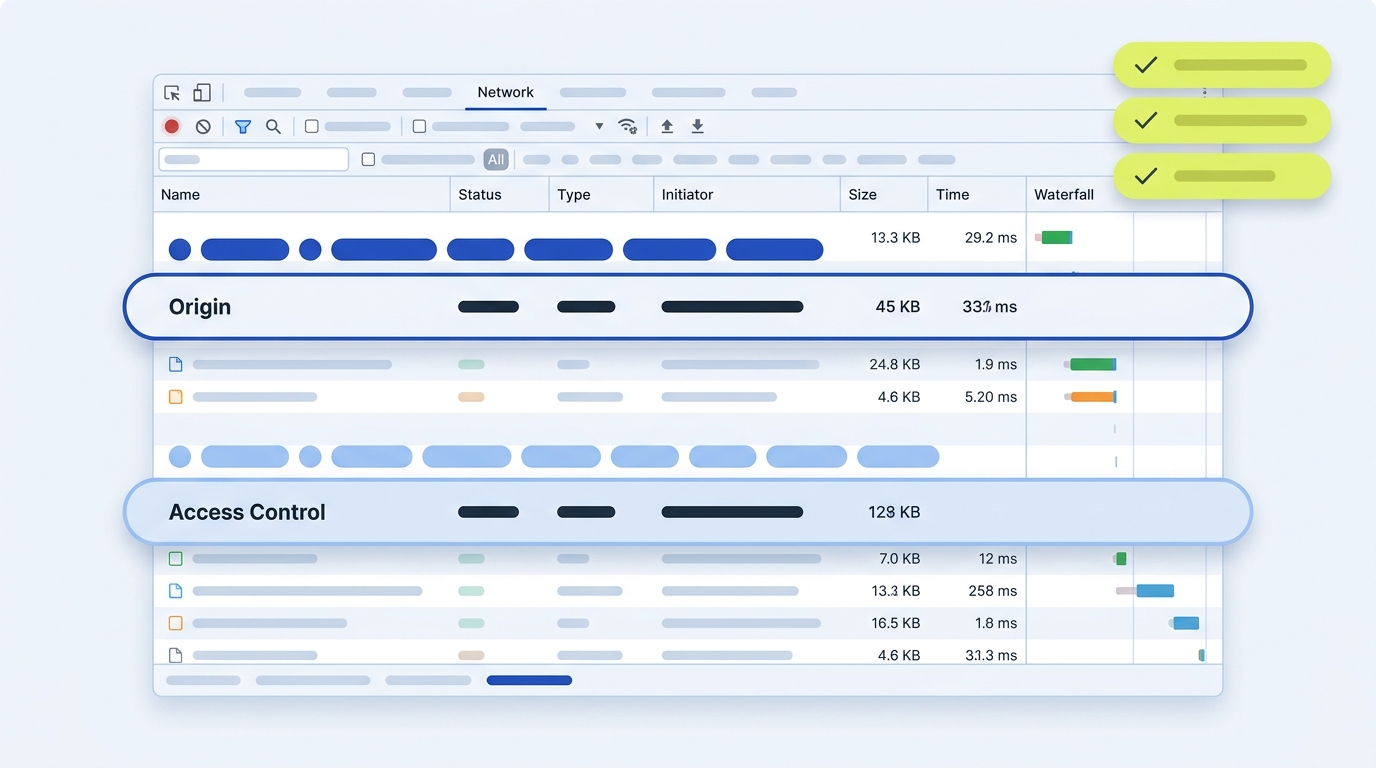
Browsers use CORS so servers can declare which origins may access responses through browser APIs. For some cross-origin requests, the browser first sends a preflight OPTIONS request to ask the server whether the actual request (method and headers) is permitted.
What a CORS preflight request is
A CORS preflight is an HTTP OPTIONS request automatically sent by the browser to the target origin before the actual cross-origin call. It includes the Origin, Access-Control-Request-Method and Access-Control-Request-Headers to declare which method and non-safelisted headers the real request will use. The server must answer with CORS response headers indicating whether the pending request is allowed. See the official overview in the MDN guide: MDN CORS guide.
OPTIONS /resource HTTP/1.1
Origin: https://app.example
Access-Control-Request-Method: PUT
Access-Control-Request-Headers: Content-Type, X-Trace-Id

HTTP/1.1 204 No Content
Access-Control-Allow-Origin: https://app.example
Access-Control-Allow-Methods: PUT
Access-Control-Allow-Headers: Content-Type, X-Trace-Id
Access-Control-Max-Age: 600
Vary: Origin
Per MDN, browsers use preflight for request methods other than GET, HEAD or POST, or when custom headers or non-safelisted Content-Type values are used. The response may be cached for a duration controlled by Access-Control-Max-Age. MDN notes a default of 5 seconds where no explicit max-age is provided, and that some browsers cap the maximum effective value (MDN CORS guide).

When the browser sends a preflight
- The request method is not GET, HEAD or POST.
- The request sets non CORS-safelisted headers (for example a custom header like X-Trace-Id).
- For POST, the Content-Type is not one of: application/x-www-form-urlencoded, multipart/form-data, or text/plain.
MDN describes these conditions and also explains the older “simple request” terminology (still widely used informally) for cases that do not trigger preflight (MDN CORS guide). Methods like PATCH commonly trigger preflight; see our primer on the method’s purpose: What the PATCH method is used for.
What the server must return to pass preflight
- Access-Control-Allow-Origin: either a specific allowed origin or “*” for non-credentialed requests.
- Access-Control-Allow-Methods: must list the method requested in Access-Control-Request-Method.
- Access-Control-Allow-Headers: must list all headers named in Access-Control-Request-Headers.
- Optional: Access-Control-Max-Age to cache the approval for future identical preflights; browsers may cap it (MDN CORS guide).
If the actual request will include credentials (cookies or HTTP auth), the server must send Access-Control-Allow-Credentials: true on the actual response, and cannot use a wildcard for Access-Control-Allow-Origin. MDN outlines these credential rules and that CORS-preflight requests themselves must not include credentials (MDN CORS guide). PortSwigger provides a concise security summary of the wildcard restriction with credentials (PortSwigger: CORS and ACAO).
Why browsers use CORS at all
By default, browsers restrict script-initiated cross-origin reads to protect users; CORS adds a server-driven way to opt in to specific cross-origin access using HTTP headers. This enables explicitly permitted cross-origin API access, fonts, images-on-canvas, and similar cases while keeping the same-origin policy as the baseline (MDN CORS guide).

Configure CORS safely
- Allowlist only the origins you need. Avoid Access-Control-Allow-Origin: * on endpoints that expose user data.
- Never combine credentials with a wildcard origin. Use a specific origin and send Access-Control-Allow-Credentials: true when appropriate (MDN; PortSwigger).
- Return only the methods and headers you actually support in Access-Control-Allow-Methods and Access-Control-Allow-Headers.
- If you dynamically echo a requesting origin from an allowlist, include Vary: Origin so caches do not serve mismatched CORS responses (MDN CORS guide).
- Remember: CORS is a browser access control, not API authorization. Keep your authentication and authorization layers independent.
Troubleshooting preflight failures
- Check the OPTIONS response status: it must be successful (2xx) and include the required CORS headers.
- Confirm the requested method appears in Access-Control-Allow-Methods and all requested header names appear in Access-Control-Allow-Headers.
- Watch for redirects on preflight. MDN notes some browsers still fail when a preflight is redirected; avoid redirects or adjust the request to be simple when possible (MDN CORS guide).
- For credentialed flows, verify the actual response (not the preflight) includes both a specific Access-Control-Allow-Origin and Access-Control-Allow-Credentials: true (MDN CORS guide).
- Test from the real front-end origin and capture both the preflight and the actual request. See our companion guide on practical API checks: How to validate an API.
Quick CORS preflight verification checklist
Short FAQ
Do server-to-server calls use CORS?
No. CORS is a browser mechanism that uses HTTP headers to control script access to cross-origin responses. Server-to-server requests are not restricted by CORS (MDN CORS guide).
Is CORS a CSRF defense?
No. CORS relaxes the same-origin policy in a controlled way; it is not a CSRF protection. Poorly configured CORS can even increase exposure (PortSwigger: CORS and ACAO).
If you manage a browser-facing API, start by testing one failing call from the exact front-end origin, capture the preflight, and adjust Access-Control-Allow-* headers to match the method and headers you intend to support. Keep origins tight and avoid wildcards with credentials.
