
The journal
How long does an OAuth refresh token last?
There’s no universal refresh token lifetime. Providers set their own expirations and revocation rules. See concrete examples (Microsoft defaults, Apigee configuration), rotation behavior, and a checklist to test your app’s handling.
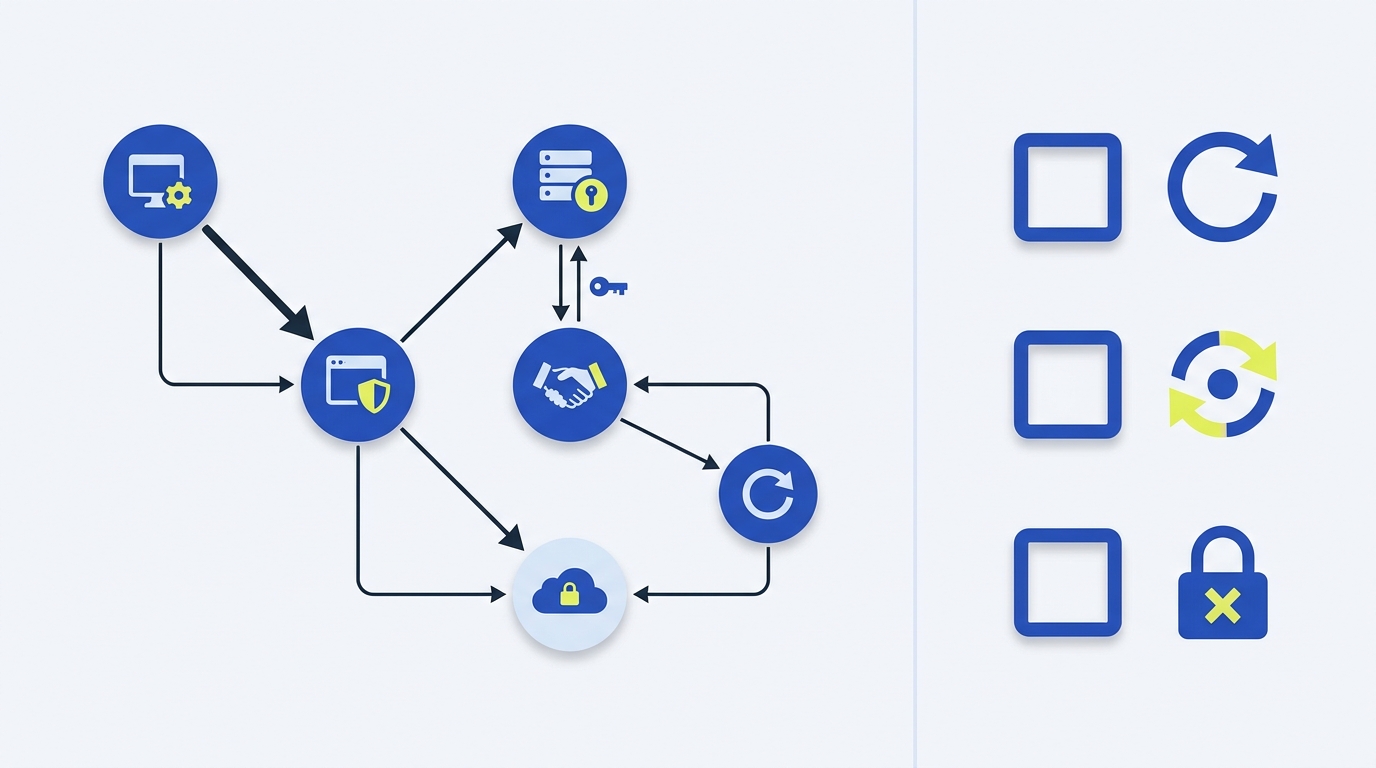
There isn’t a single answer. Refresh token lifetime is set by the authorization server, not the OAuth spec, and many servers don’t disclose the exact refresh token expiry to clients. Refresh tokens can also be revoked at any time, so your app must be prepared to reauthenticate when a refresh fails (https://www.oauth.com/oauth2-servers/making-authenticated-requests/refreshing-an-access-token/).
What this means for your app
OAuth 2.0 uses refresh tokens so access tokens can be short-lived. But OAuth does not standardize a refresh token lifetime and often doesn’t reveal it to clients; providers are free to expire or revoke refresh tokens at any time (https://www.oauth.com/oauth2-servers/making-authenticated-requests/refreshing-an-access-token/, https://oauth.net/2/refresh-tokens/). Practically, you should:
- Expect refresh to work until it doesn’t, then start a fresh OAuth flow.
- Handle rotation if the server returns a new refresh token on exchange.
- Design for provider-specific defaults and policies.
Provider examples you can anchor to
Microsoft identity platform
Microsoft documents default refresh token lifetimes and behavior:
- Default lifetime: 24 hours for single-page applications (SPAs) and apps using email one-time passcode; 90 days for other scenarios.
- On use: Microsoft issues a fresh refresh token on every use but does not revoke the previous one; you should securely delete the old token after storing the new one.
- SPAs using a redirect URI registered as
spashould expect to re-run the authorization flow about every 24 hours due to browser privacy features blocking third-party cookies, often requiring a top-level frame visit.
Source: https://learn.microsoft.com/en-us/entra/identity-platform/refresh-tokens.
Apigee (Google Cloud)
Apigee lets you set access and refresh token lifetimes in policy. It warns that long expirations increase the window of vulnerability if tokens leak, and offers starting points such as ~30 minutes for access tokens and ~24 hours for refresh tokens. It also shows that very long refresh lifetimes (for example, 200 days) are possible but risky and can accumulate state server-side (https://docs.cloud.google.com/apigee/docs/api-platform/antipatterns/oauth-long-expiration).
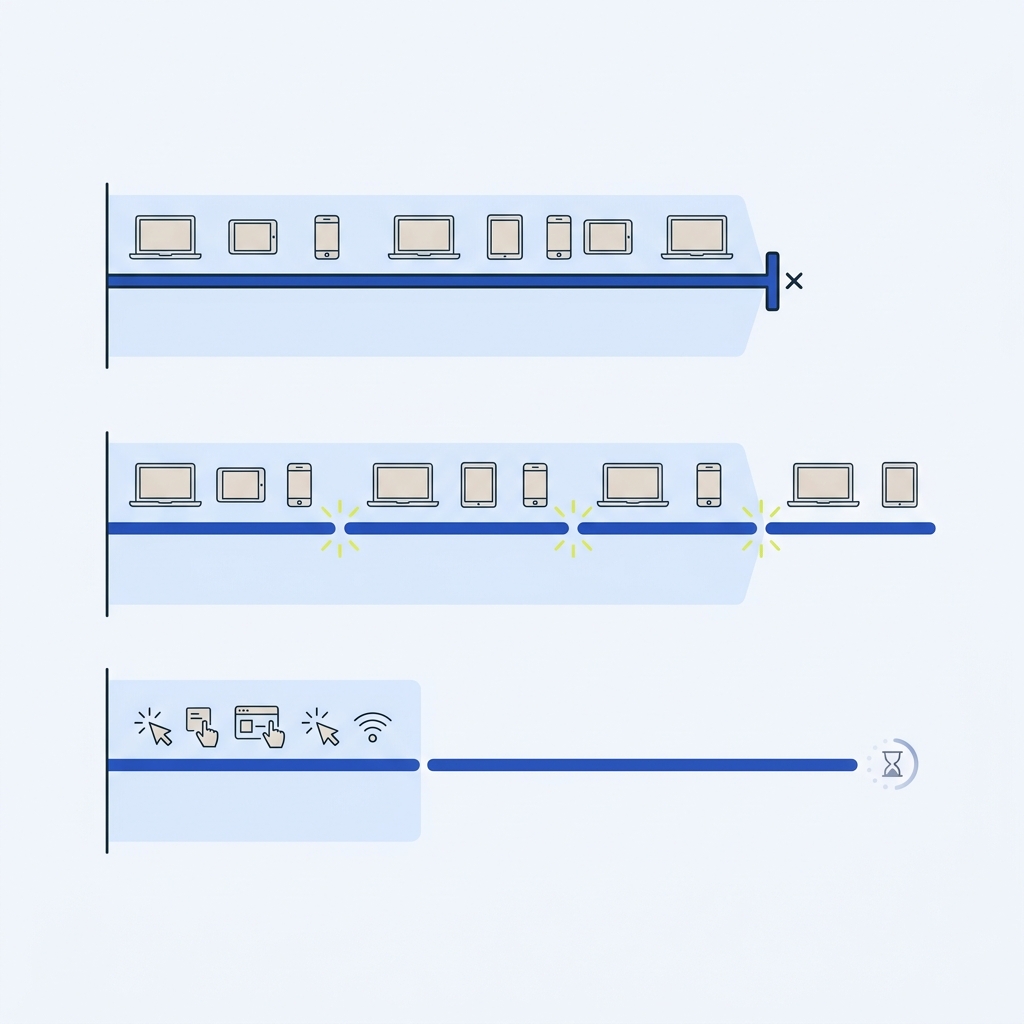
Rotation and revocation: why “lifetime” is only part of the story
- Rotation: Some providers issue a new refresh token with each refresh. This is considered a more secure option and helps detect theft if an old token is reused (https://www.oauth.com/oauth2-servers/making-authenticated-requests/refreshing-an-access-token/). Auth0 describes rotation and reuse detection in detail (https://auth0.com/blog/refresh-tokens-what-are-they-and-when-to-use-them/).
- Provider differences: Rotation semantics vary. For example, Microsoft returns a new token on use but does not revoke the old one automatically; you should replace and discard the old token (https://learn.microsoft.com/en-us/entra/identity-platform/refresh-tokens).
- Revocation and policy events: Users or admins can revoke tokens, and servers may invalidate tokens after security events. On a failed refresh, your only reliable next step is an interactive authorization flow (https://www.oauth.com/oauth2-servers/making-authenticated-requests/refreshing-an-access-token/).
Practical implementation guidance
- Don’t assume you’ll be told when a refresh token will expire. OAuth.com notes refresh token expiration intentionally isn’t communicated to clients (https://www.oauth.com/oauth2-servers/making-authenticated-requests/refreshing-an-access-token/).
- Store refresh tokens like credentials. Replace the stored token whenever the server returns a new one, and securely delete the old token (Microsoft guidance: https://learn.microsoft.com/en-us/entra/identity-platform/refresh-tokens).
- Choose sensible lifetimes if you control the server. Apigee recommends short access tokens and moderate refresh tokens to reduce risk and avoid datastore bloat (https://docs.cloud.google.com/apigee/docs/api-platform/antipatterns/oauth-long-expiration).
- Handle failure paths. If a refresh attempt returns invalid_token or otherwise fails, prompt the user to reauthenticate rather than looping retries (https://www.oauth.com/oauth2-servers/making-authenticated-requests/refreshing-an-access-token/).
Checklist: make refresh behavior predictable
FAQs
Does OAuth 2.0 define a standard refresh token lifetime?
No. OAuth leaves lifetime and revocation to providers. Many servers don’t disclose refresh token expiry to clients and can revoke tokens at any time (https://www.oauth.com/oauth2-servers/making-authenticated-requests/refreshing-an-access-token/).
Do all providers rotate refresh tokens?
No. Some rotate on every use (a security best practice), while others return a new token without revoking the old one. Check your provider’s docs and handle both patterns (https://www.oauth.com/oauth2-servers/making-authenticated-requests/refreshing-an-access-token/, https://learn.microsoft.com/en-us/entra/identity-platform/refresh-tokens).
What should my app do when a refresh fails?
Treat it as potentially permanent and start an interactive OAuth flow to reauthenticate the user (https://www.oauth.com/oauth2-servers/making-authenticated-requests/refreshing-an-access-token/).
See also
- What are the most common failure points in automated workflows? Practical fixes and checks
- Idempotency keys: safe retries without duplicate actions

Related guides
Sources and further reading
- Refresh Tokens - OAuth 2.0 Simplified Close okta_logo
- What is a Refresh Token - OAuth 2.0
- Antipattern: Set a long expiration time for OAuth tokens | Apigee | Google Cloud Documentation
- Refresh tokens in the Microsoft identity platform - Microsoft identity platform | Microsoft Learn
- What Are Refresh Tokens and How to Use Them Securely | Auth0