
The journal
What does refresh token rotation mean? A practical guide
A clear explanation of refresh token rotation, why it matters, how reuse detection works, and practical steps to implement it without race conditions.
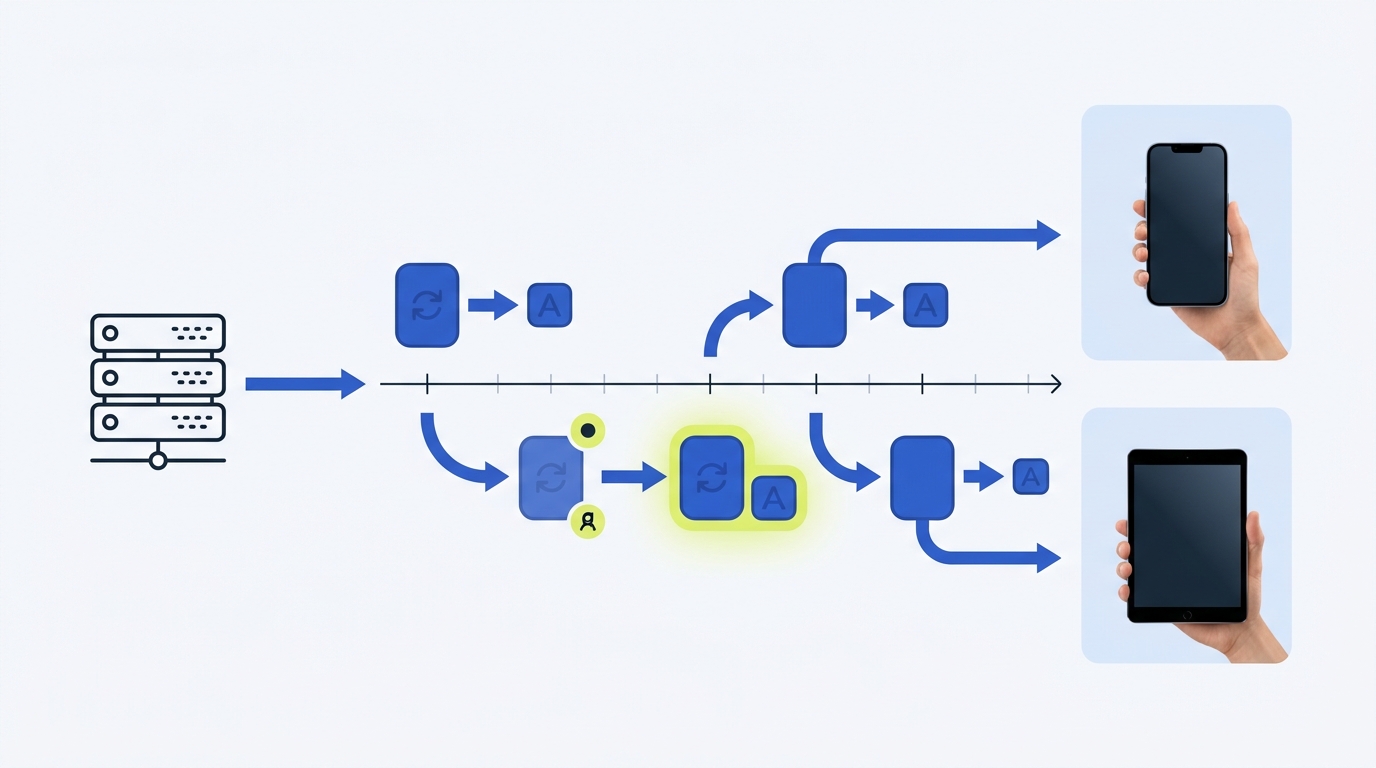
Refresh token rotation means the authorization server returns a new refresh token every time a client uses a refresh token, and it immediately invalidates the token that was just presented. This limits replay if a token is stolen and enables the server to detect suspicious reuse of older tokens (Auth0; Okta).
How rotation works in practice
On a refresh request, the server validates the incoming refresh token, issues a new access token and a new refresh token, and marks the refresh token that was used as invalid. If an already used refresh token appears again, the server treats that as reuse and can revoke the newest token and related access tokens, forcing reauthentication (Auth0; Okta).
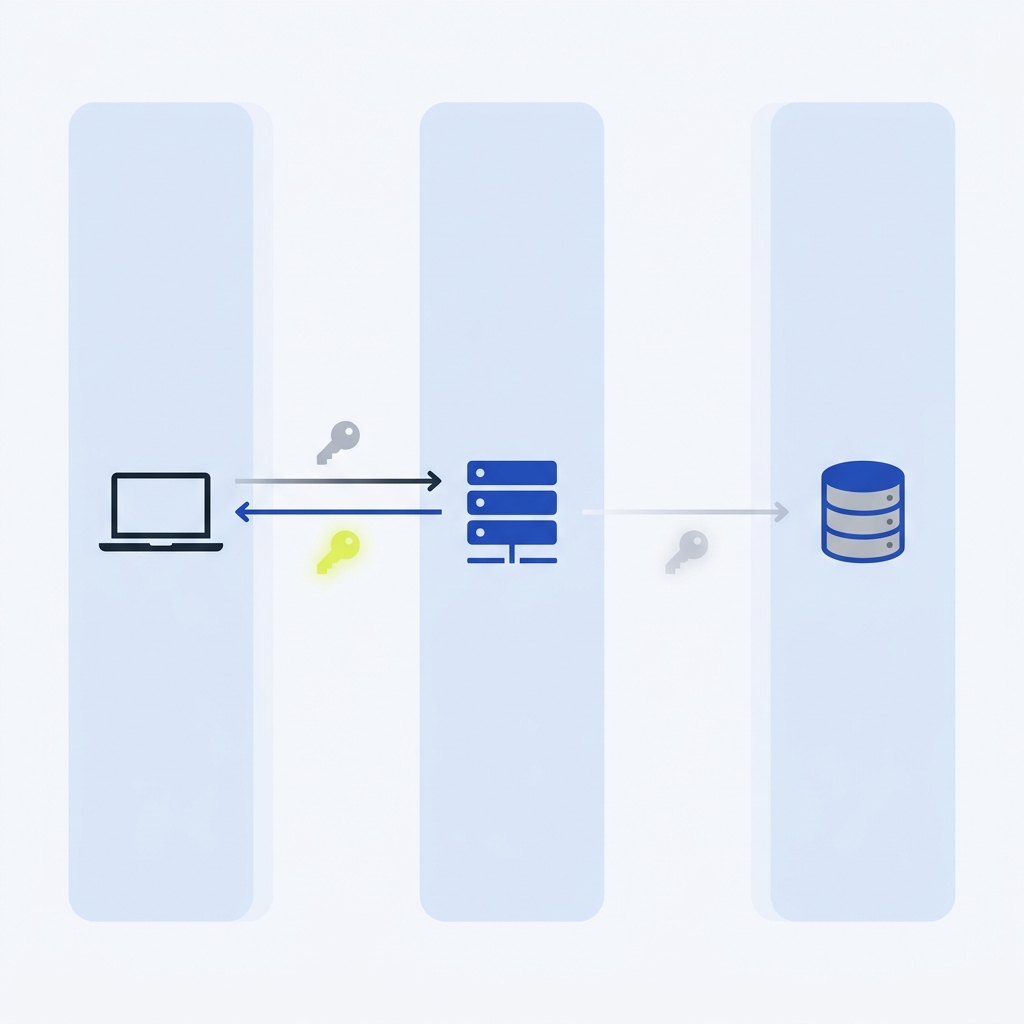
Some providers explicitly describe this as managing a token family: all refresh tokens that descend from the original grant. On reuse, the family can be invalidated to contain risk (Auth0).
Why teams enable rotation
Rotation reduces the window in which a stolen refresh token can be replayed, while short-lived access tokens preserve good UX. Providers highlight that public clients like SPAs and mobile apps have higher exposure for long-lived refresh tokens; rotation helps mitigate that risk (Okta). Recent guidance also notes that browsers do not offer a persistent storage mechanism that guarantees access only by the intended app; rotation helps SPAs maintain sessions despite modern browser privacy controls (Auth0).
Design choices you must make
Grace periods
Short grace windows can prevent accidental lockouts during legitimate retries or slow networks. For example, Okta’s rotation supports a configurable grace period (default 30 seconds) during which the previous refresh token remains valid (Okta). Keep this window as small as your clients tolerate, since larger windows extend replay risk.
Public vs. confidential clients
Public clients cannot keep secrets well. Provider docs warn that persistent, long-lived refresh tokens are not suitable for SPAs and that public clients carry higher risk; rotation can reduce these threats, and SPAs commonly use rotation by default (Okta; Auth0).
Storage considerations
For browsers, providers note there is no persistent storage that guarantees only the intended app can access tokens; many SDKs default to in-memory storage for SPAs and caution against long-lived refresh tokens in browsers (Auth0; Okta). On mobile, use platform-secured storage and keep refresh token lifetimes short (Okta).
Concurrency and reuse: avoiding self-inflicted outages
Rotation turns refresh into a one-at-a-time operation per credential. If many workers try to refresh with the same token at once, only the first should succeed; others may fail or even trigger reuse responses depending on the provider. Coordinate refreshes per credential using a shared lock, re-check token state after acquiring the lock, and write the new access token, refresh token and expiry atomically. Also handle the “crash after refresh” case where a rotated token is lost before being saved (Prismatic). For broader retry safety on upstream calls, see our guide on idempotency keys: Idempotency keys: safe retries without duplicate actions.
What to do when reuse is detected
Provider docs describe automatic reuse detection: when a previously used refresh token is presented, the authorization server invalidates newer tokens and denies further requests until reauthentication. Log these events and decide whether to revoke device-only tokens or the whole session based on your risk tolerance (Auth0; Okta).
Common pitfalls
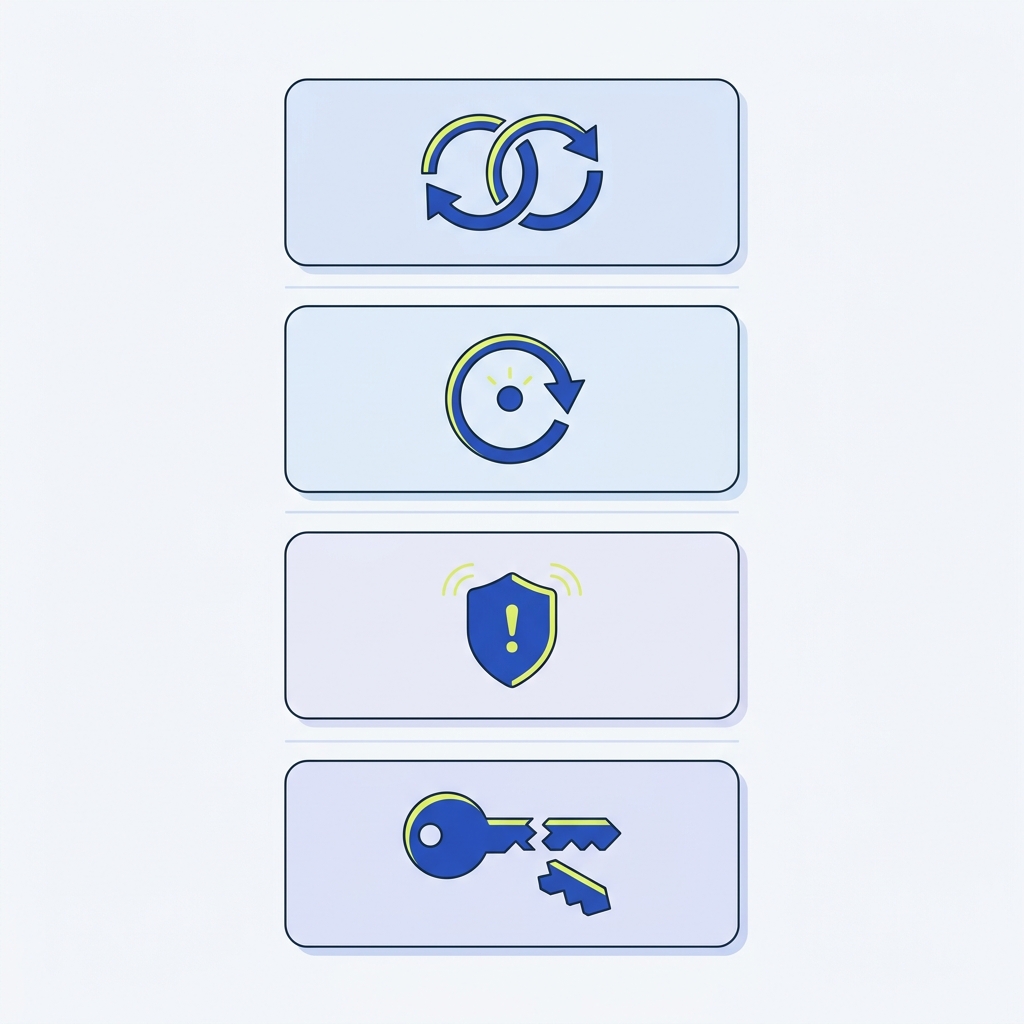
- Not enforcing one-time use: if you accept older refresh tokens, you reintroduce replay risk (Okta).
- Overly long grace windows or lifetimes: these widen the attack window; keep them minimal and monitor (Okta).
- Uncoordinated refreshes: concurrent refresh calls can fail unpredictably or trigger reuse responses; coordinate per credential and update state atomically (Prismatic).
Implementation checklist
Ship refresh token rotation safely
For more patterns that help reduce failure cascades and bad retries in distributed systems, see What are the most common failure points in automated workflows?
FAQ
What exactly triggers reuse detection?
Presenting a refresh token that was already used (and therefore invalidated) triggers reuse detection. Providers can then invalidate the most recently issued refresh token and deny further requests until the user reauthenticates (Auth0; Okta).
How long should the grace period be?
Keep it short: Okta’s default is 30 seconds, adjustable between 0 and 60 seconds. Choose the smallest value that avoids false lockouts for your clients (Okta).
